Community Sites
Approved community information → hosted page → current public resource
A guided feature tour
Each part of Platypus solves a familiar community-admin problem. Choose a workflow to see the problem it replaces, what staff does, and what remains recorded afterward.
Available now
Start with one. Every workflow has a useful free baseline, and the value grows when several share the same community record.
Awards and recognition
Showcase keeps recognition attached to the member record instead of scattered across old announcements. Staff can create awards, manage variants, review nominations, issue certificates, and publish profiles that members can return to.
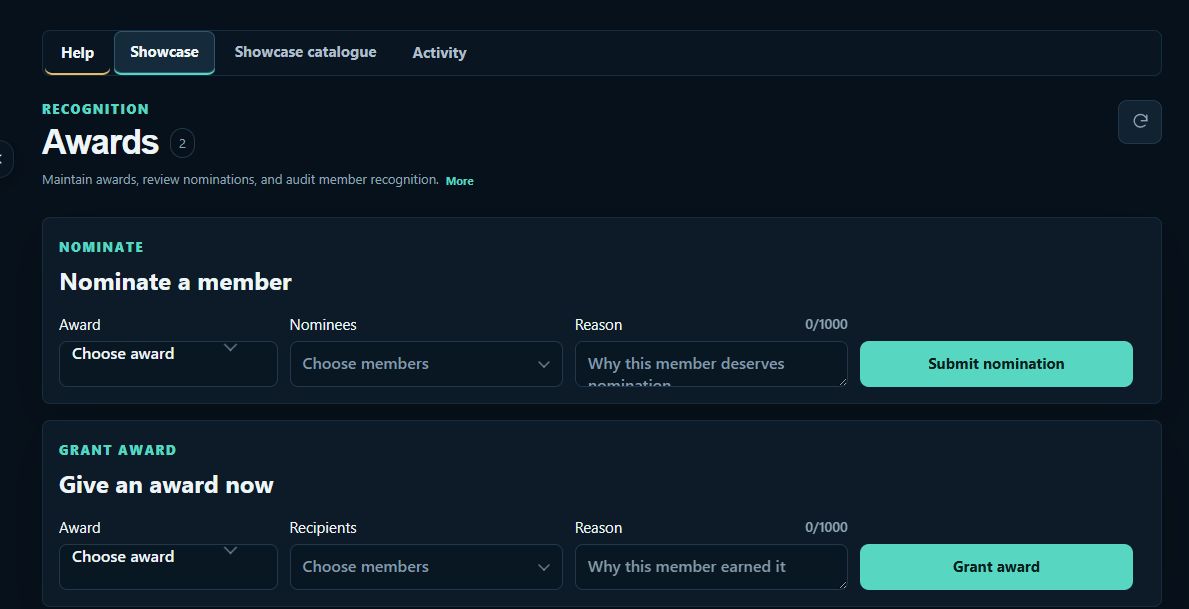
Set the reason, image, and approval rules.
Describe what the member accomplished.
Approve, reject, or record a decision.
Keep the reason and staff action together.
Show it on profiles and certificates.
Academy gives training and qualifications one shared record. Staff can define courses, record completions, manage instructors, and approve signoffs without maintaining a separate spreadsheet or training channel archive.
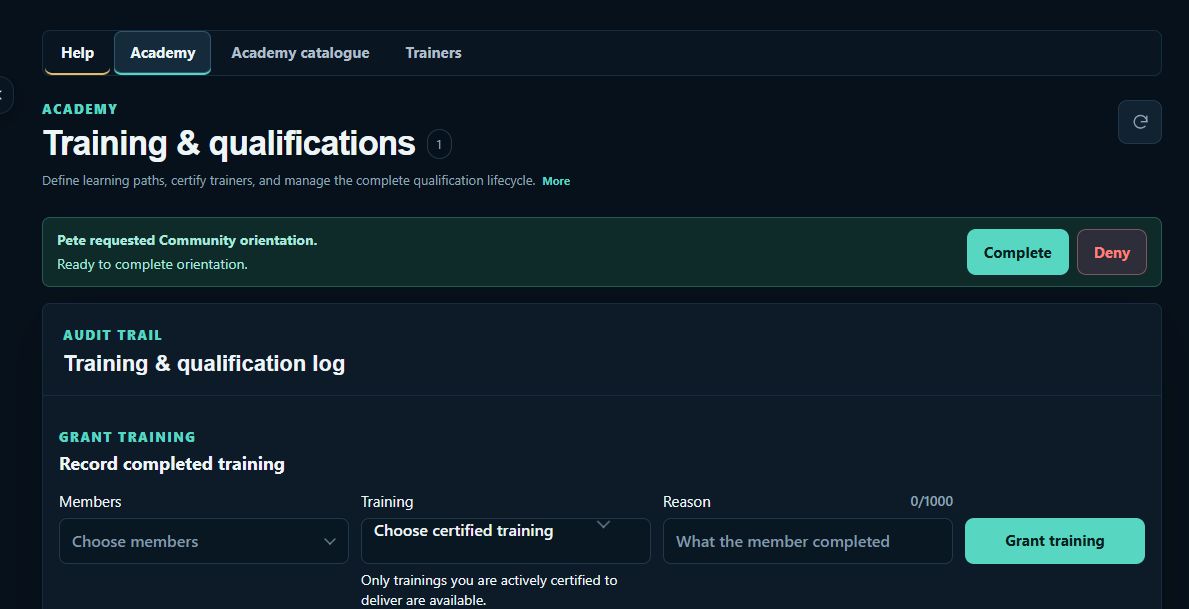
Create training, qualifications, and prerequisites.
Choose an available path and enter the queue.
Teach, assess, and record the outcome.
Review completion and qualification requirements.
Save completion and award the qualification.
Keep training on the member timeline.
Group organization maps the structure behind your community: groups, ranks, positions, assignments, applications, and visual layouts. Staff can see where members belong and maintain that structure from one source.
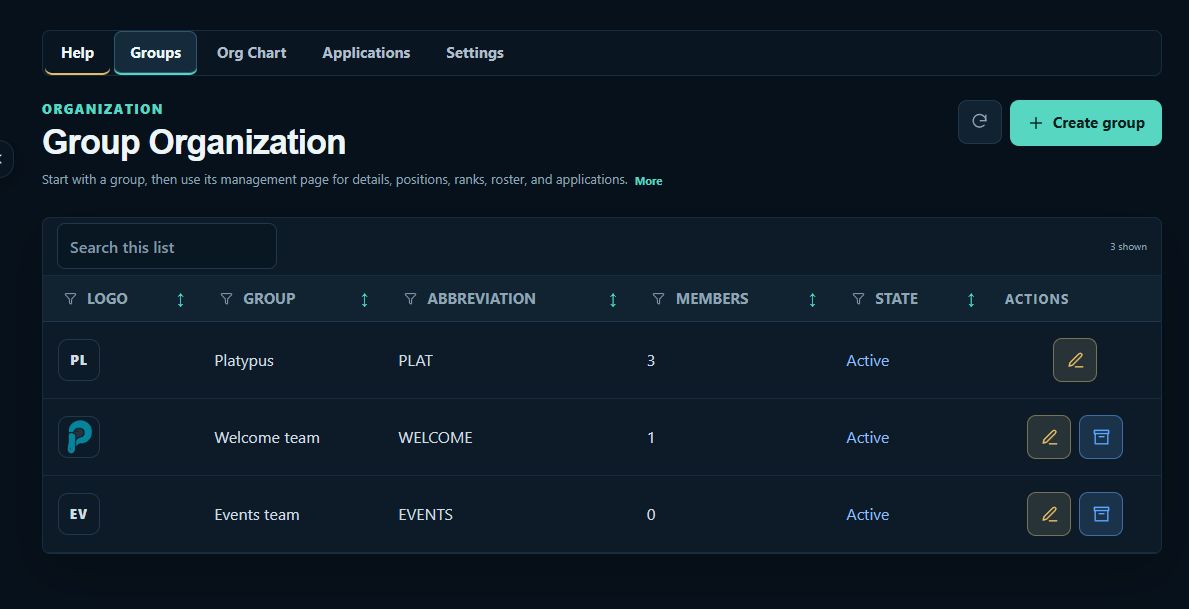
Create groups, ranks, positions, and relationships.
Submit the information reviewers need.
Approve the application and choose an assignment.
Keep the hierarchy and member record current.
Apply connected roles and nickname rules.
Event management keeps the plan, signup choices, venue, attendance, and follow-up together. Recurring schedules and reward approvals stay connected to the same community records used by staff elsewhere in Platypus.
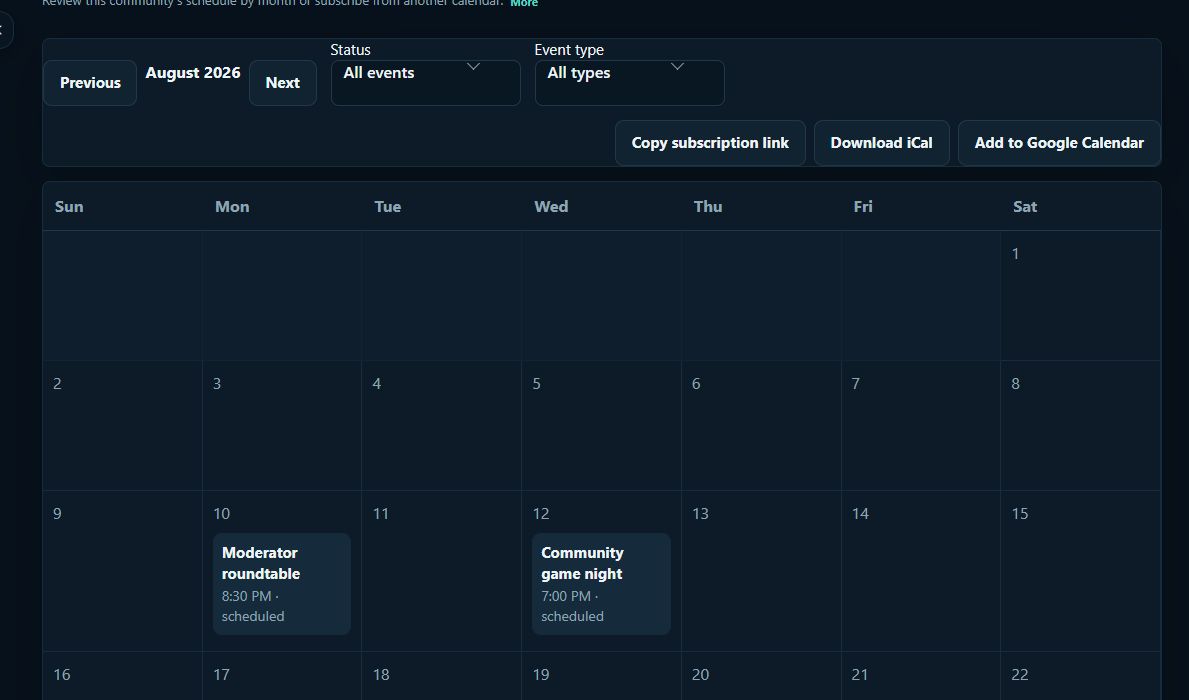
Set time, location, signup choices, and reminders.
Post one current announcement for members.
Join, decline, or enter a waitlist.
Confirm who participated after the event.
Approve connected awards or qualifications.
Temporary voice rooms let members create the spaces they need without asking staff to build and remove channels for every meeting, group, or event. Staff still decides where rooms appear and what room owners can control.
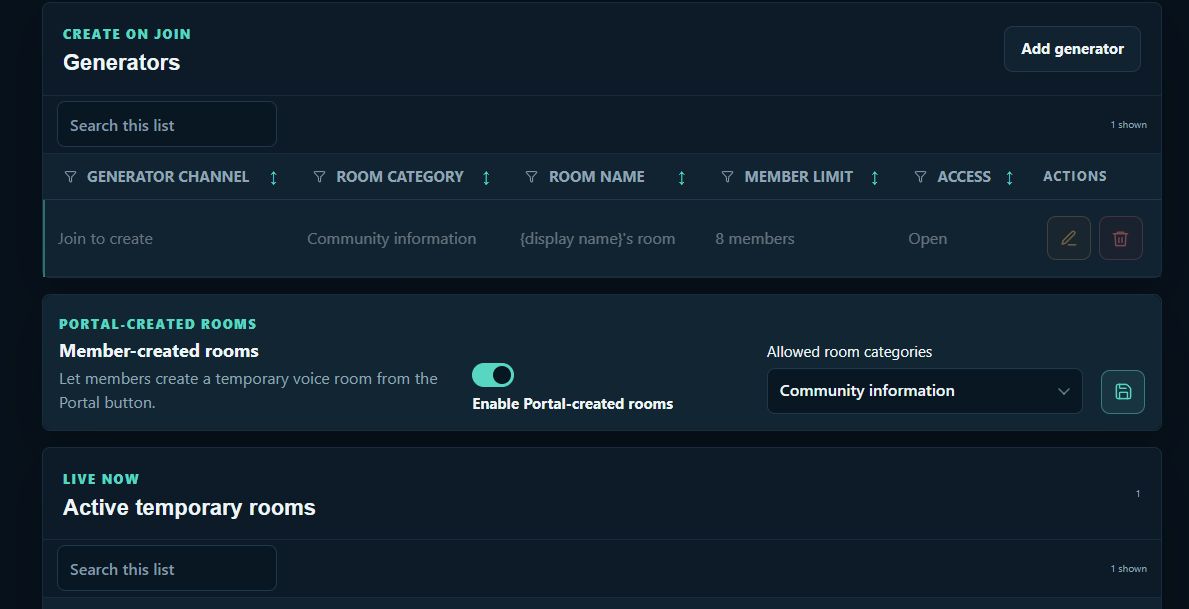
Set the category and owner controls.
Platypus creates a room and moves them in.
Rename, lock, or set a member limit.
Meet without adding permanent channel clutter.
Remove the room after everyone leaves.
Moving to Platypus should not mean retyping the records your staff already maintains. Import existing CSV data, review it before saving, and export one dataset or a complete community archive whenever you need it. Import and export are free on every plan.
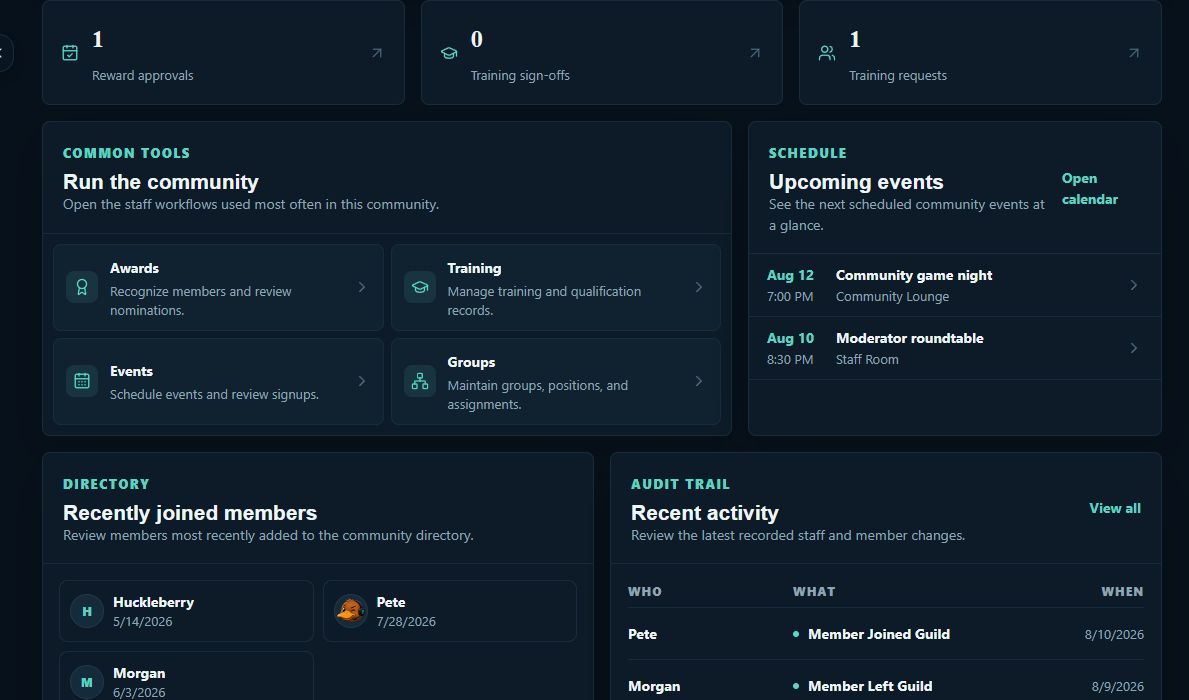
Preview CSV records before anything is saved.
Use shared records across every feature.
Map staff permissions to roles or members.
See what changed, who acted, and why.
Download one CSV or the complete archive for free.
Community safety
Moderation turns reports and incidents into a reviewable case history. The free workflow includes reports, cases, evidence, findings, actions, appeals, AutoMod, Discord enforcement, and private staff case threads, with up to 10 active policies.
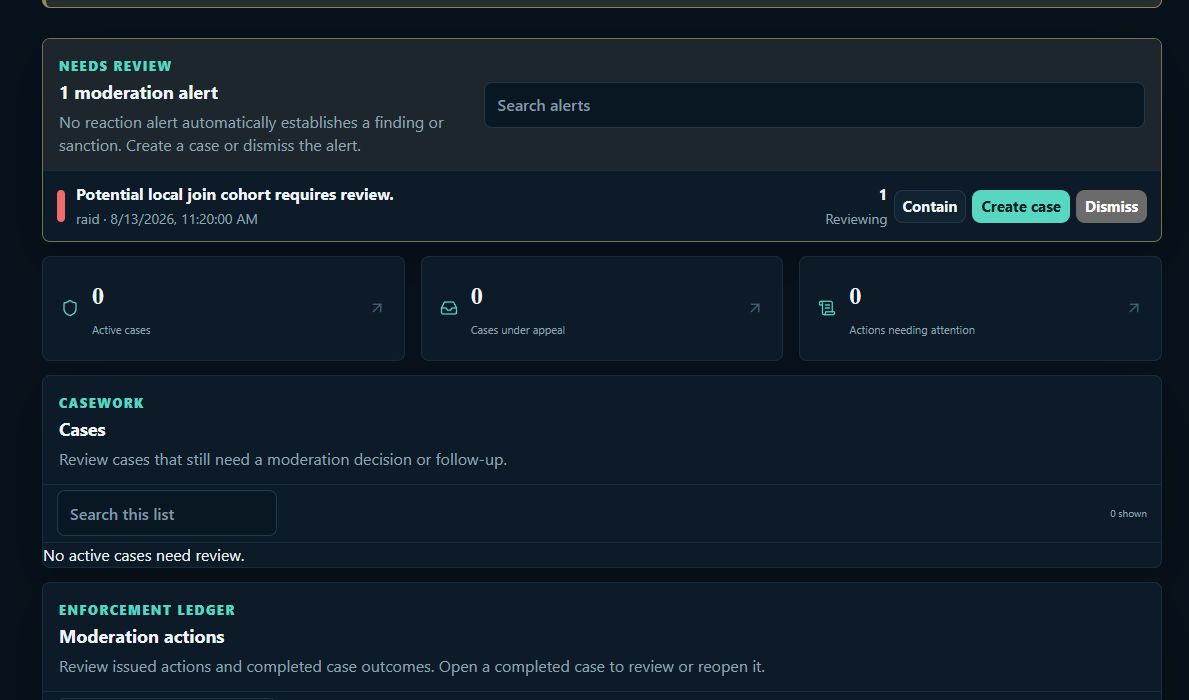
Give staff the incident and supporting context.
Keep reports, messages, notes, and findings together.
Apply an action with a reason and accountable owner.
Request review without losing the original case history.
Keep incidents, actions, and outcomes available to staff.
Requests and staff response
Tickets gives members a private path to staff and gives staff one place to claim, discuss, and resolve each request. Free includes unlimited new tickets across up to three active ticket types, one support team, direct routing, assignments, notes, attachments, saved replies, transcripts, search, export, and basic ratings.
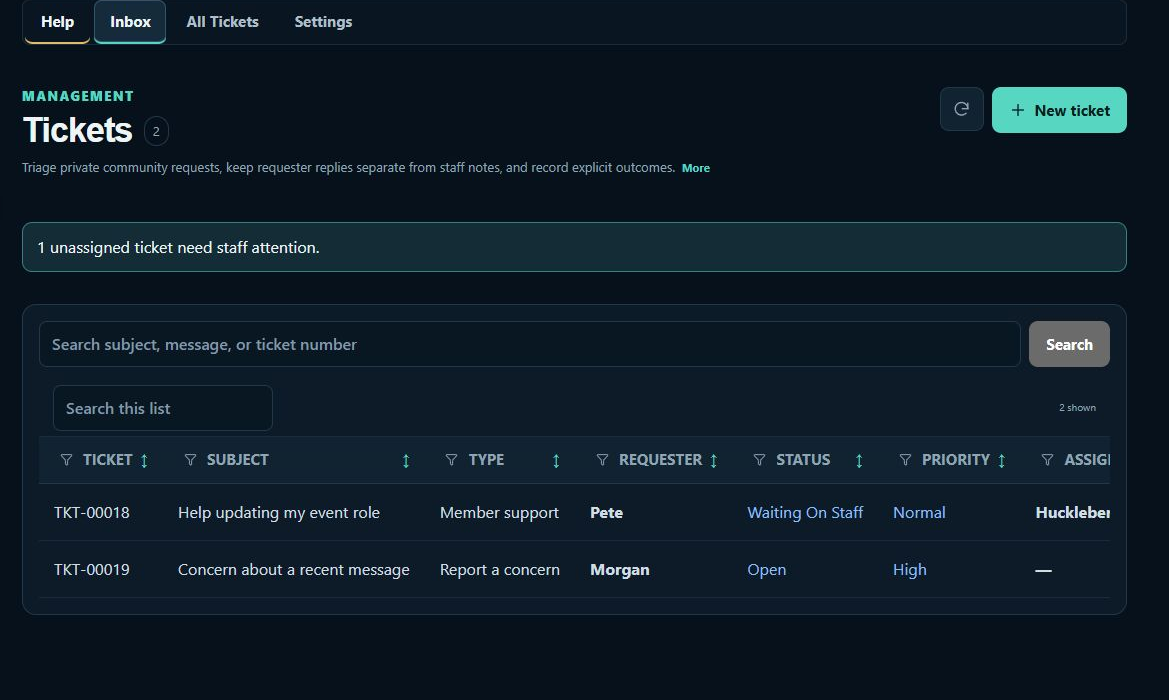
Choose a ticket type and explain what they need.
Place it with the configured support team.
Own the request and keep the conversation private.
Record the status, outcome, and closing response.
Preserve the conversation and staff history.
Structured information gathering
Forms collects applications, surveys, polls, sign-ups, and feedback in a reusable staff workflow. Free includes up to 15 published non-poll forms, unlimited quick polls and accepted responses, 15 questions per form, three active Discord panels, identity choices, results, visualizations, import and export, and a scheduled close time.
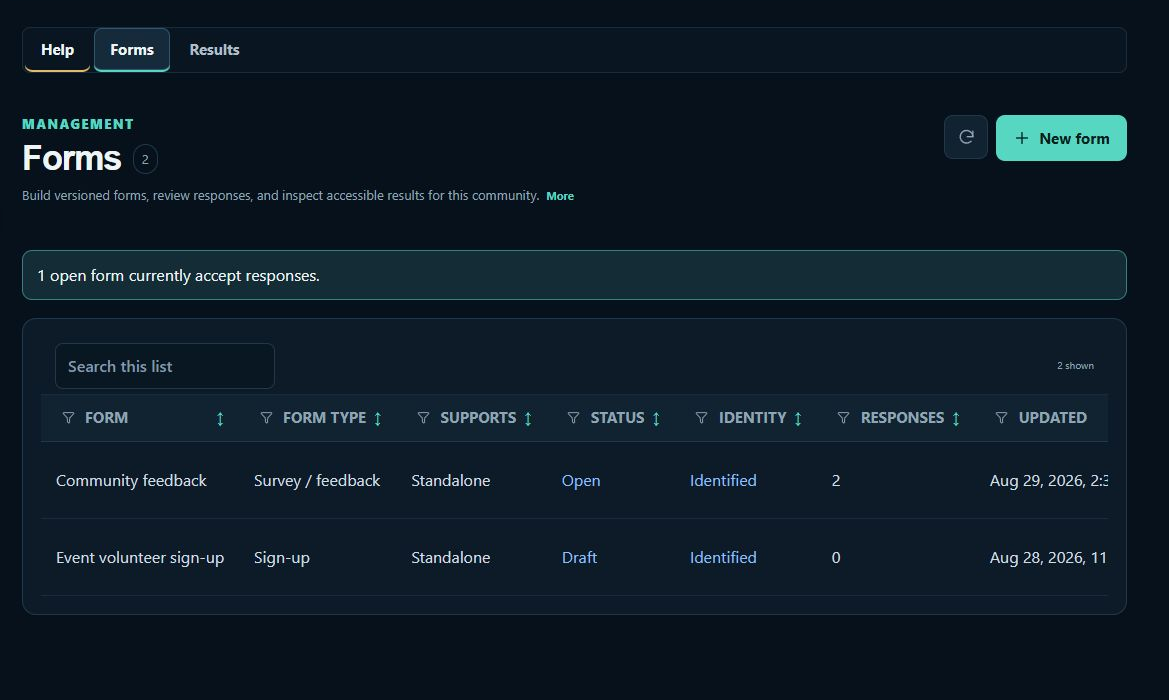
Choose questions, validation, and who may respond.
Share a Discord panel or direct form link.
Complete an application, survey, poll, or signup.
Inspect individual submissions and overall results.
Retain the response and any recorded decision.
In development
These previews are not included in current plans and are not available for purchase yet.
Approved community information → hosted page → current public resource
Draft → staff review → schedule → publish to supported destinations
Ready to try the work
Explore a fully premium fictional community. Nothing connects to Discord and you can reset the data at any time.